让你的电脑进入你的智能家居 App。
在一个地方完成唤醒电脑*、关机和触发操作。
🏠Apple Home🔧Home Assistant🗣️Alexa
Local control, reused hardware, and real integration with Apple Home, Home Assistant, and Alexa.
400,000+用户已信赖RemoteRelay来控制他们的设备。
Wake. Launch. Enjoy.
Make it yours.
A view from home.
Wake-on-LAN requires compatible hardware and a sender. Other features need a running agent, permissions and an appropriate plan.
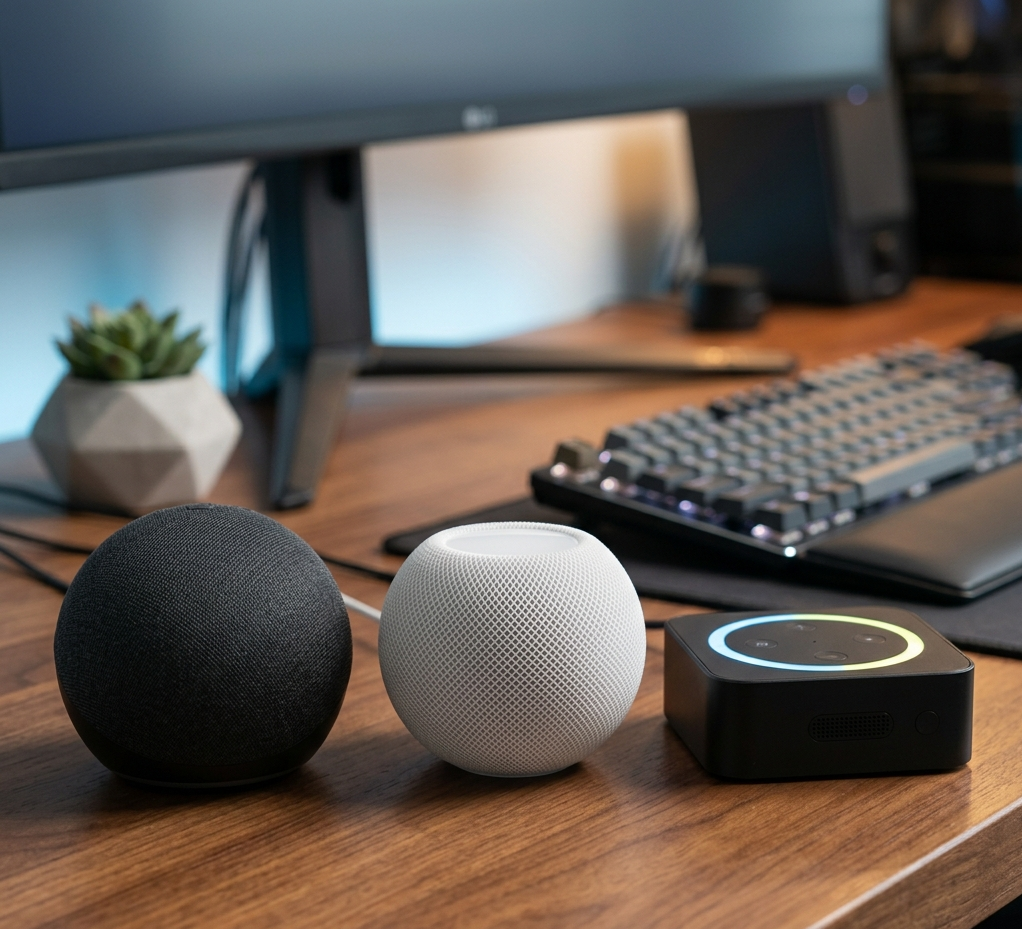
语音控制您的命令也适用于 Alexa、Siri 和 Assist。
当您将操作发布到 Alexa、Apple Home 或 Home Assistant 时,您还可以通过语音触发它们,而无需复制流或重建它们。
🗣️AlexaAlexa
🏠SiriApple Home
🔧AssistHome Assistant
- 说一次,然后在语音、场景和自动化中重复使用相同的动作。
- 无需触摸键盘或鼠标即可打开电脑、切换模式或打开应用程序。
- 非常适合会议模式、打开 Plex 或在到达之前准备桌面等命令。
AlexaTurn on the office PC.
SiriTurn on meeting mode.
AssistOpen Steam on the gaming PC.

01Install the app
Install RemoteRelay on the computer you want to turn into a useful home device.
02Pick your ecosystem
Connect it to Apple Home, Home Assistant, or Alexa depending on what you already use.
03Control and automate
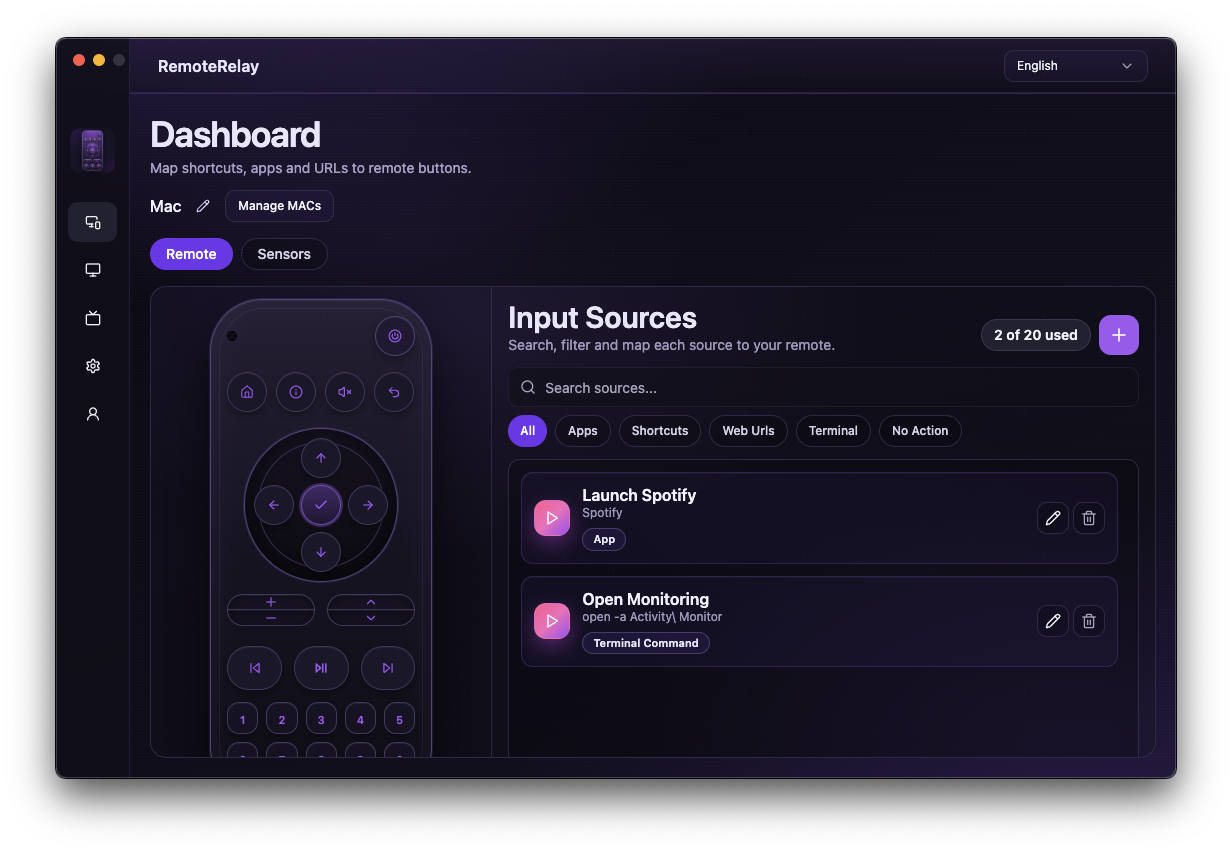
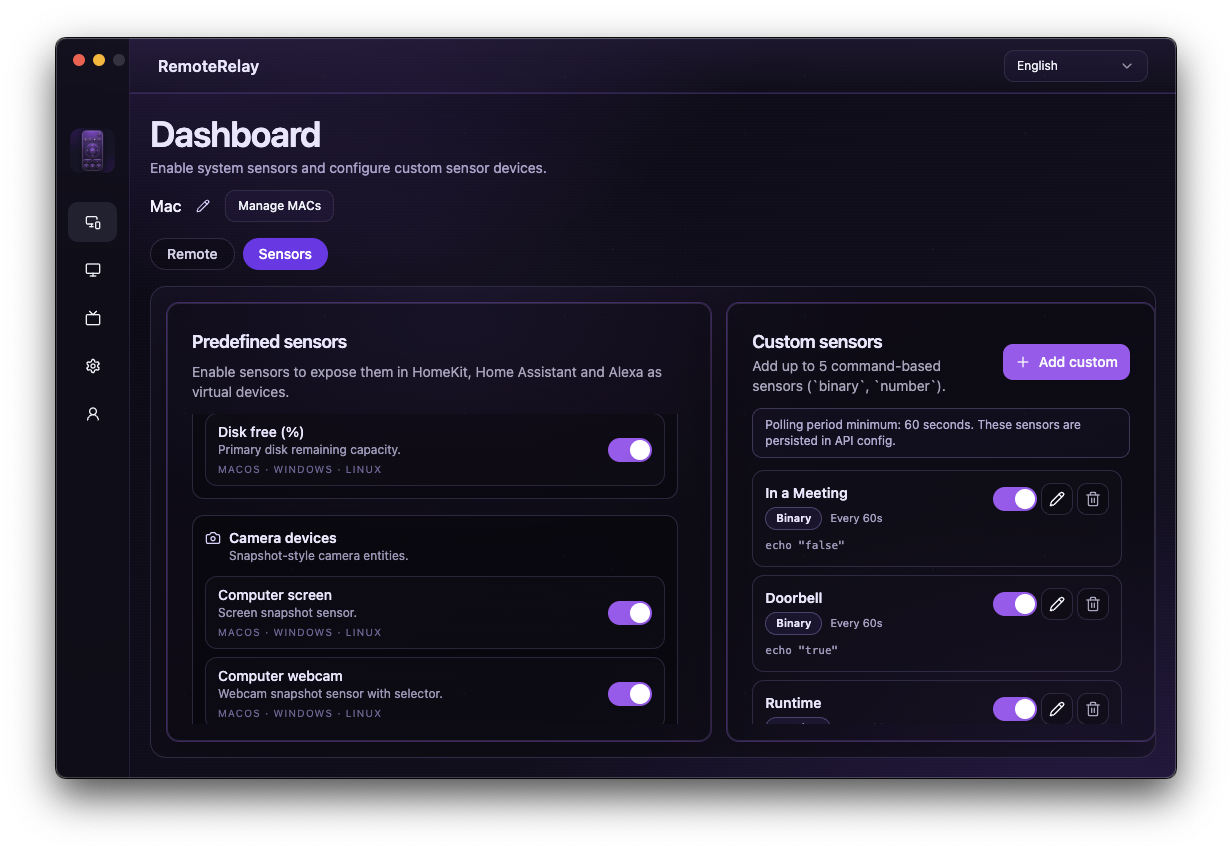
Use the PC as a remote, camera, sensor, or source of quick actions inside your home.
Alexa
如果你想在主流家庭 App 里直接唤醒、关机并触发电脑动作,Alexa 是最直接的路径。
- 通过 Wake-on-LAN 唤醒电脑。
- 在 Alexa App 里远程关机。
- 用输入选择器触发你在 RemoteRelay 中配置的动作。
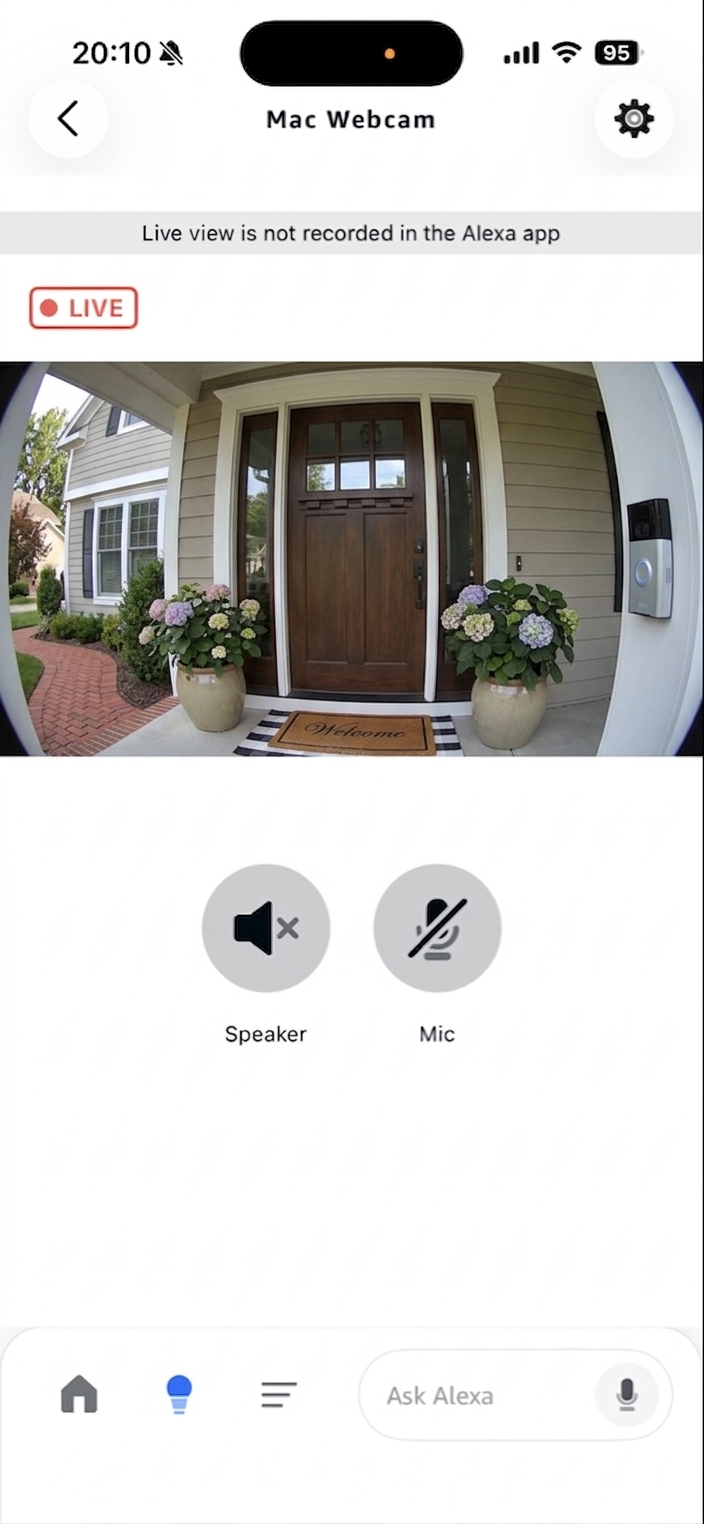
- 支持带音频的摄像头实时画面,以及屏幕实时画面。
- 创建自定义传感器,并同样发布到 Alexa。
Apple Home
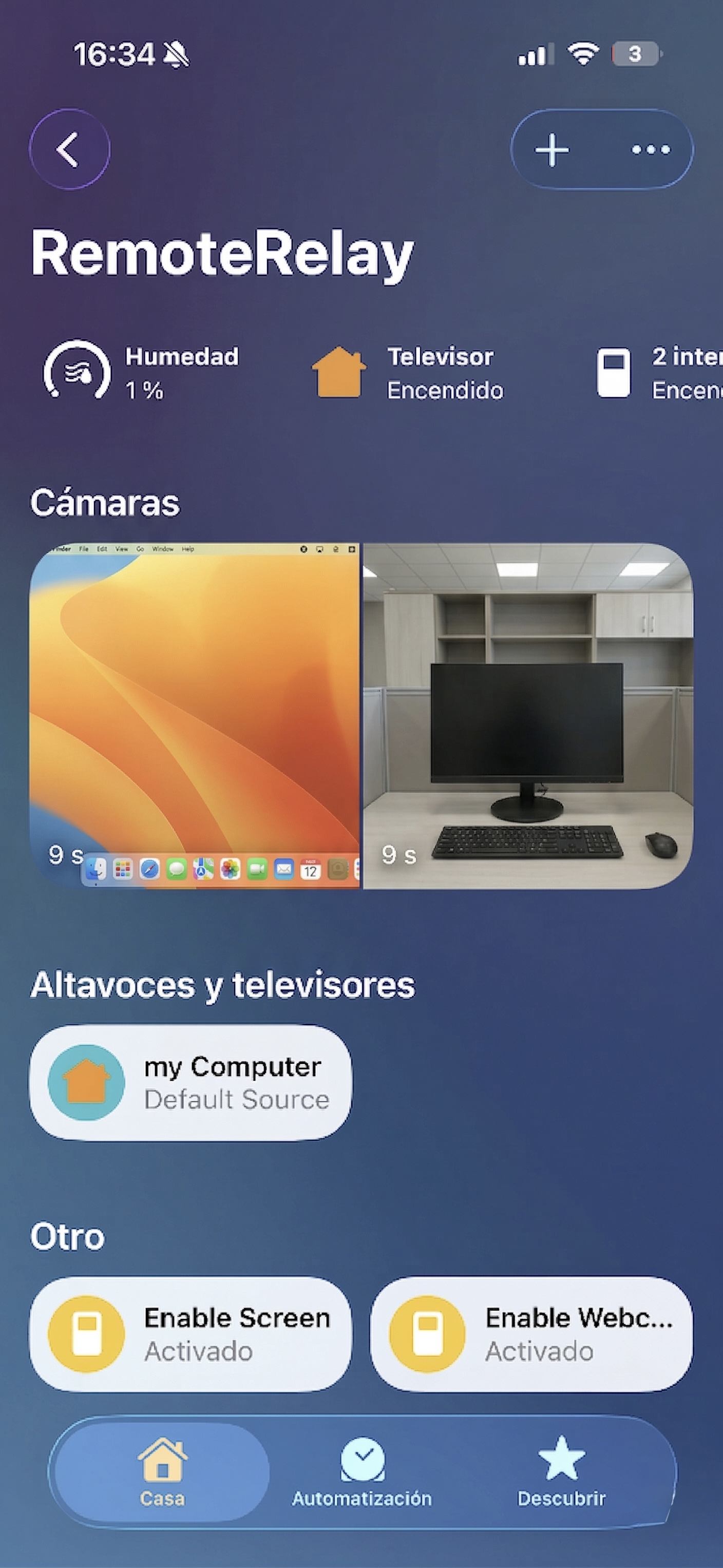
把电脑加到 Mac、iPhone 或 iPad 上的家庭 App 中,并在 RemoteRelay 运行时进行控制。
- 直接在桌面应用中扫码配对。
- 守护进程在线时可用电视式控制和输入切换。
- 如果在 RemoteRelay 里启用,可把屏幕和摄像头作为可选配件加入。
- 创建自定义传感器,并同样显示在 Apple Home 中。
* RemoteRelay 并非 Apple 认证配件,也不隶属于、未获 Apple 赞助或认可。家庭 App 中的兼容性可能因 iOS、iPadOS 或 macOS 版本而异,并且可能会随着后续更新发生变化。
Home Assistant
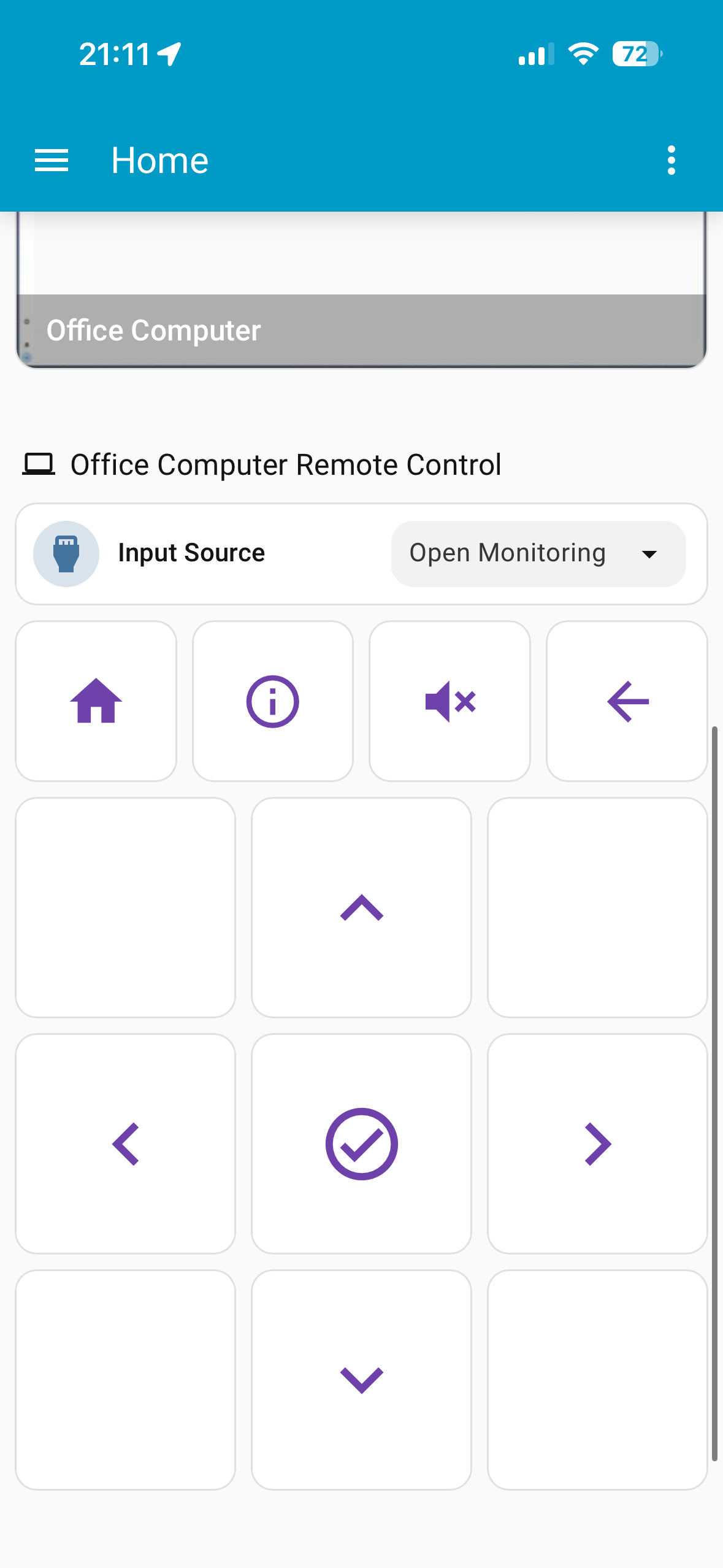
目前最深入的集成:本地配对、真实可用的唤醒、远程控制,以及可真正参与自动化的实体。
- 使用临时配对码进行本地配对。
- 即使 daemon 离线,也能通过保存的 MAC 地址进行 Wake-on-LAN。
- 集成里可用远程关机、按键和输入源。
- 启用后可使用带 snapshot 和 stream 的摄像头。
- 创建自定义传感器,并同样加入 Home Assistant。
Matter
目前这是将 RemoteRelay 配对到 Google Home 和其他控制器的实验性路径,并带有专门用于触发动作的回退模式。
- 默认使用 remote 配置文件来映射命令。
- switches 模式会把每个动作公开为自动回关的开关。
- 兼容性仍会因你使用的控制器不同而继续变化。
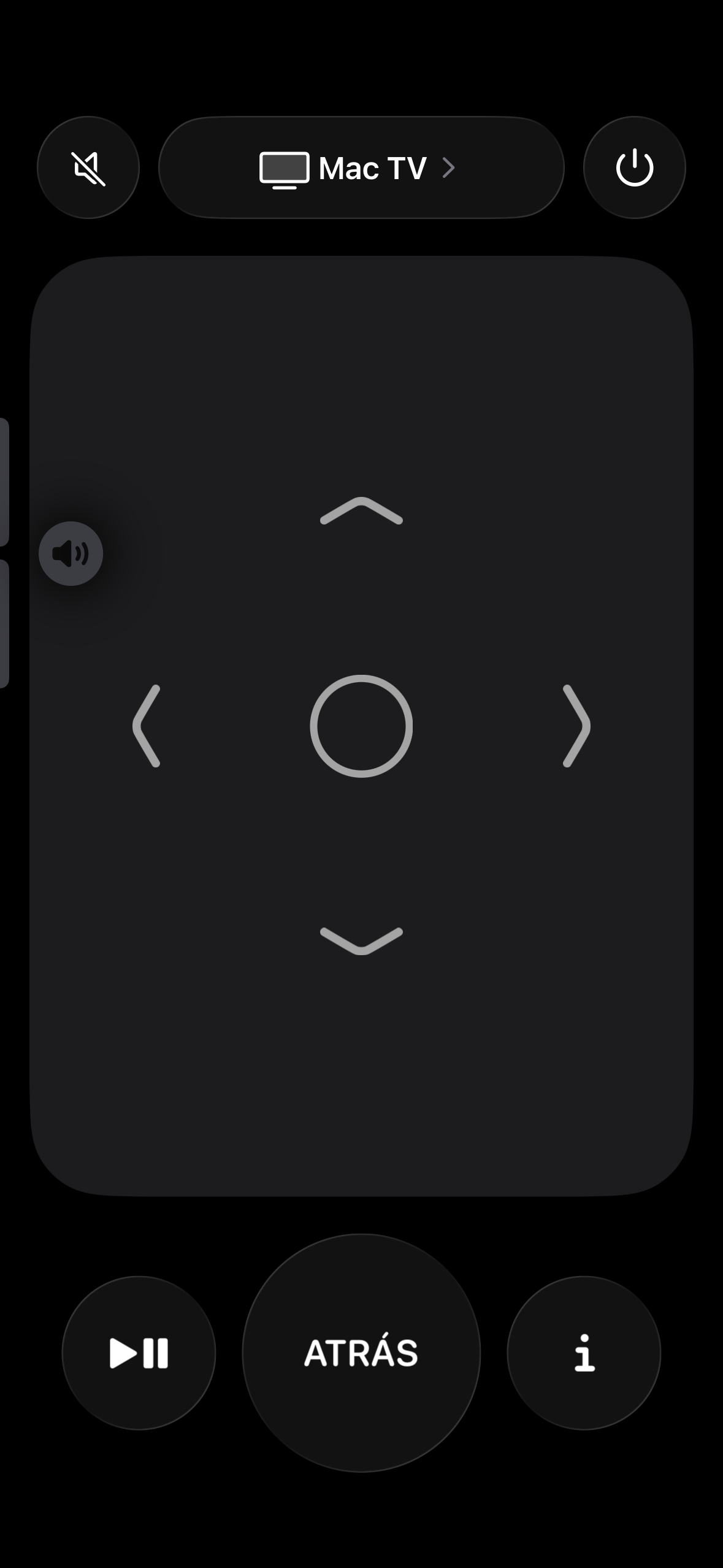
RemoteRelay CompanionPC 遥控器,现在就在你的口袋里。
通过本地网络,在 iPhone 上唤醒并控制已授权的 PC。电源、输入源、音量、频道和媒体控制,随时触手可及。
✓Pro 和 Ultimate 均已包含
唤醒它。控制它。继续前行。通过 Companion 唤醒指定 PC,需要时再打开完整的遥控界面。
Google Play即将推出
Android Beta 测试仅向 Pro 和 Ultimate 的有效订阅用户开放。报名不代表可以立即获得测试资格。
iPhone 版现已上线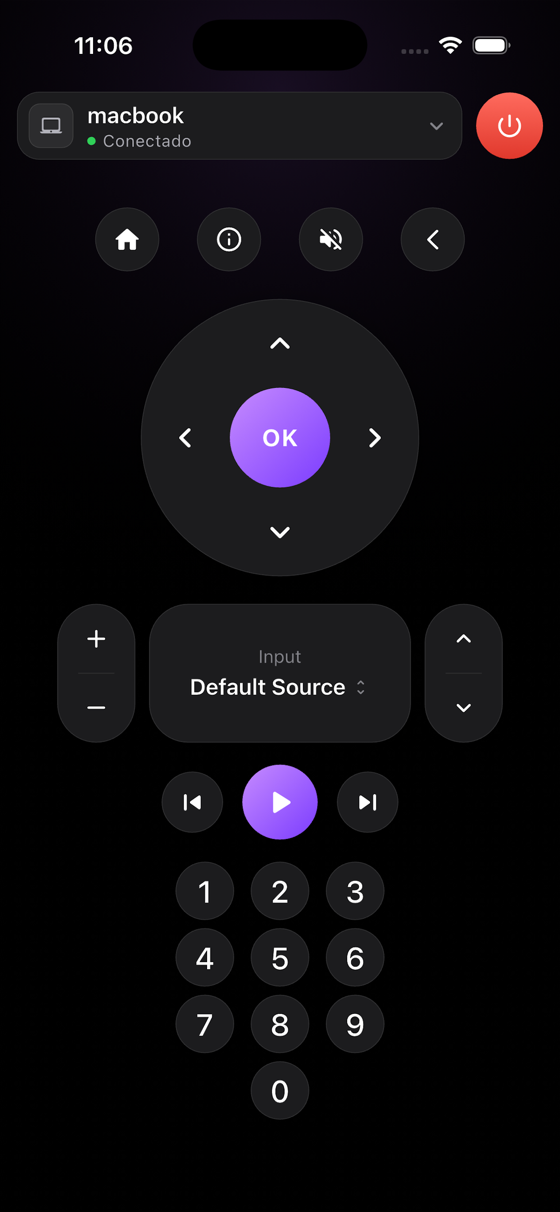
推出优惠早期用户的特别推出价格
Pro 和 Ultimate 目前限时特价发售。此临时优惠可能会在第一个启动阶段后更新。
免费
€0永久
Start with 1 computer plus 2 hours of Pro trial.
- Wake-on-LAN*
- 远程关机 (不包含)
- 快捷操作 (不包含)
- 传感器 (不包含)
- 实时摄像头与屏幕查看 (不包含)
- Wake-on-LAN 仅兼容 Alexa
- 2 hours of Pro trial
- 1 台电脑
最受欢迎Pro
€12/ 每年
Special launch price
适合需要更多控制的家庭。
- Wake-on-LAN*
- 远程关机
- 快捷操作
- 传感器
- 实时摄像头与屏幕查看
- 主流智能家居应用
- 每台电脑最多 20 个自定义输入源
- 最多 5 台电脑
Ultimate
€25/ 每年
Special launch price
适合多台设备的环境。
- Wake-on-LAN*
- 远程关机
- 快捷操作
- 传感器
- 实时摄像头与屏幕查看
- 主流智能家居应用
- 每台电脑最多 40 个自定义输入源
- 最多 20 台电脑
AlexaControl your PC with Alexa
Enable the Alexa integration, discover your PC, and trigger configured actions from your smart home.
Open on YouTube Apple HomeAdd your PC to Apple Home
Enable the Apple Home integration, pair the accessory, and control the computer from the Home app.
Open on YouTube Mobile appControl your PC from your phone
Use RemoteRelay Companion to check status, wake the PC, shut it down when supported, and launch commands.
Open on YouTube Sensors & InputsMonitor and control your PC
Review useful PC state, safe screen or camera views, and trigger actions from mobile.
Open on YouTube 不需要,至少基础的 Wake-on-LAN 不需要。要唤醒电脑,关键是配置正确的以太网 MAC 地址,并让 Alexa 关联到同一个 RemoteRelay 账号。
需要。远程关机、睡眠、快捷操作和输入源都要求该电脑上安装并运行 RemoteRelay 应用。
这种情况可能会发生。如果你只使用 Wake-on-LAN,这些状态并不一定会阻止电脑启动。如果 Alexa 一直显示错误状态,请在 Alexa 中删除该设备,然后重新执行设备发现。
请确认你在 Alexa、网站和桌面应用中使用的是完全相同的账号。如果账号最初是通过 Google 或 Amazon 创建的,请始终使用同一个提供方登录。
通常不需要做端口转发。如果 Wake-on-LAN 在一个网络中可以工作、在另一个网络中却不行,原因通常在路由器或调制解调器上,例如客户端隔离、本地广播被阻止、DHCP 行为异常,或者使用了错误的网卡 MAC 地址。
请在每台电脑上打开应用,更新到最新版本,进入 Integrations,在每台电脑上启用 Alexa,并确认它们都使用同一个 RemoteRelay 账号。然后如有需要,再次在 Alexa 中执行设备发现。
可以。在 RemoteRelay 中,将虚拟电源按钮的动作设置为睡眠。仅仅修改 Windows 中物理电源按钮的行为通常并不够。
请先在 RemoteRelay 中创建它们。之后你可以通过 Alexa 触发,例如说:Alexa, set the input of <computer name> to <input source name>,或者使用你自己的例程。
通常不是问题。Alexa 有时会自动分配一个通用类别。只要设备响应正常,即使标签看起来有些奇怪,也可以照常使用。
请直接从网站下载最新版本并手动安装。这已经解决了大多数 Windows 上的更新问题。
RemoteRelay 提供 Linux 图形版和 Linux headless 版。在 NAS 设备上,如果硬件支持且 MAC 地址正确,Wake-on-LAN 可能可以工作;但远程关机要求该系统上正在运行 RemoteRelay。

准备好释放您 PC 的全部潜力了吗?
使用 Pro,您可以获得远程控制、远程关机、自定义操作以及每个帐户最多 5 台电脑。