 RemoteRelay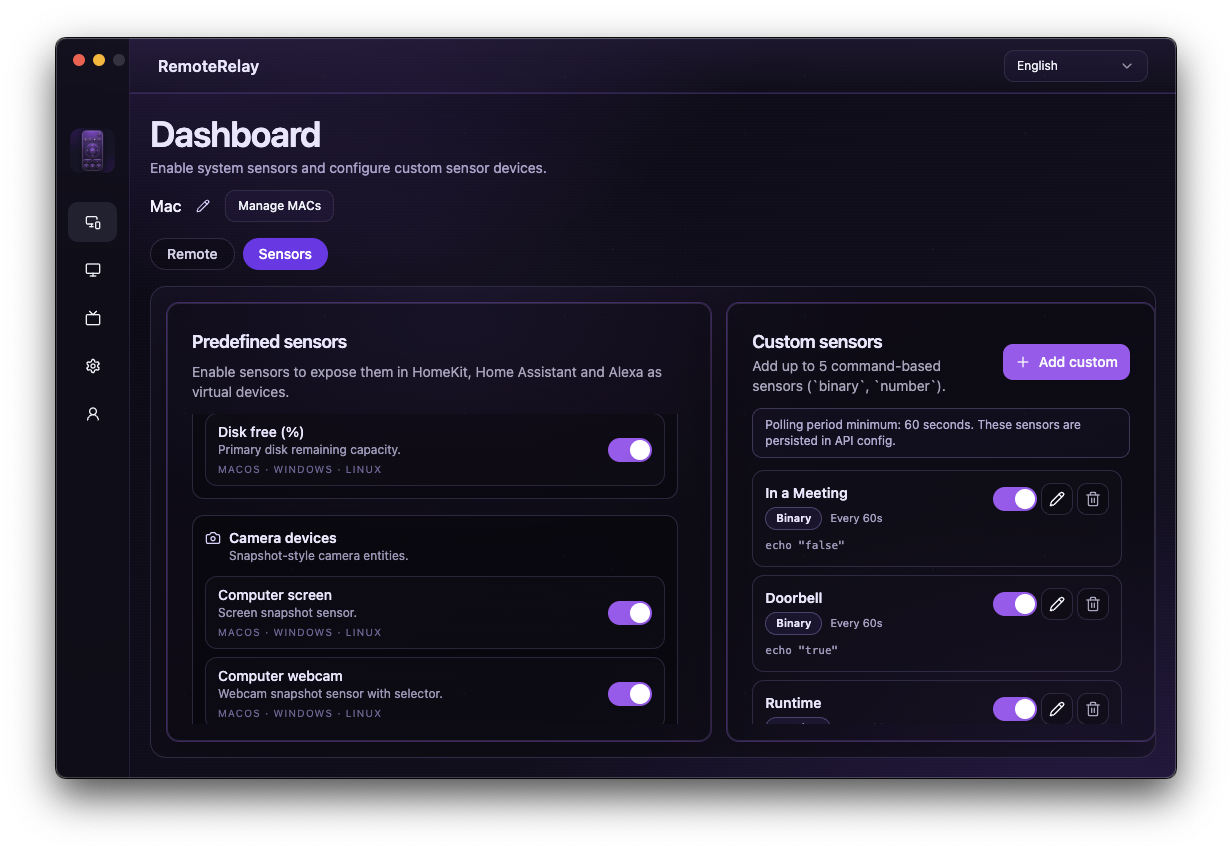
What you need
- A paired RemoteRelay component and identified media_player entity.
- Saved MAC, available wake_on_lan service and a host able to reach the PC's network.
- A tested application source and user session when required.
Getting started
- Test media_player.turn_on against the PC entity and verify actual wake.
- With the agent running, test media_player.select_source with the exact name from source_list.
- Create a Home Assistant script with wake, availability wait and source selection using the example as a starting point.
- Replace media_player.my_pc and Steam with your values. Test manually before adding time, presence or voice triggers.
- Review the Home Assistant trace if the wait times out. Do not keep sending actions to a computer that is still offline.
Example for the script YAML editor
Paste this into a Home Assistant script's YAML editor and change the entity and source. Two minutes is this recipe's timeout, not a guaranteed boot duration.
alias: Prepare PC
sequence:
  - action: media_player.turn_on
    target:
      entity_id: media_player.my_pc
  - wait_template: "{{ states('media_player.my_pc') not in ['unavailable', 'unknown', 'off'] }}"
    timeout: "00:02:00"
    continue_on_timeout: false
  - action: media_player.select_source
    target:
      entity_id: media_player.my_pc
    data:
      source: Steam
mode: singleSensors, volume and Assist
Add sensors exposed by your computer to the dashboard. For disk alerts, check units, thresholds and time below the limit. CPU is not a substitute for electricity consumption.
Test volume_up, volume_down and mute through the media player. For Assist, expose a script or entities supported by Home Assistant and test a phrase in your language; voice availability is not automatic for every entity.
Compatibility and limits
Entity availability indicates agent connectivity, not readiness of a graphical session or application. Metrics depend on the system. Playback and pause currently map to a toggle: do not treat them as idempotent actions.
Test the action on your computer before including it in a routine. Available plans and features are detailed in the portal.
Common questions
Who sends Wake-on-LAN while the PC is off?
The Home Assistant host uses the configured MAC addresses. It must remain running and able to reach the computer's network.
Can Home Assistant run scripts on the PC?
Yes. Create and test a Terminal Command source in RemoteRelay, then select it with media_player.select_source. Commands run with the agent's permissions.
Put your computer to work with your home
Choose your integration and verify one action. Then add the apps, sensors and cameras you need.