 RemoteRelay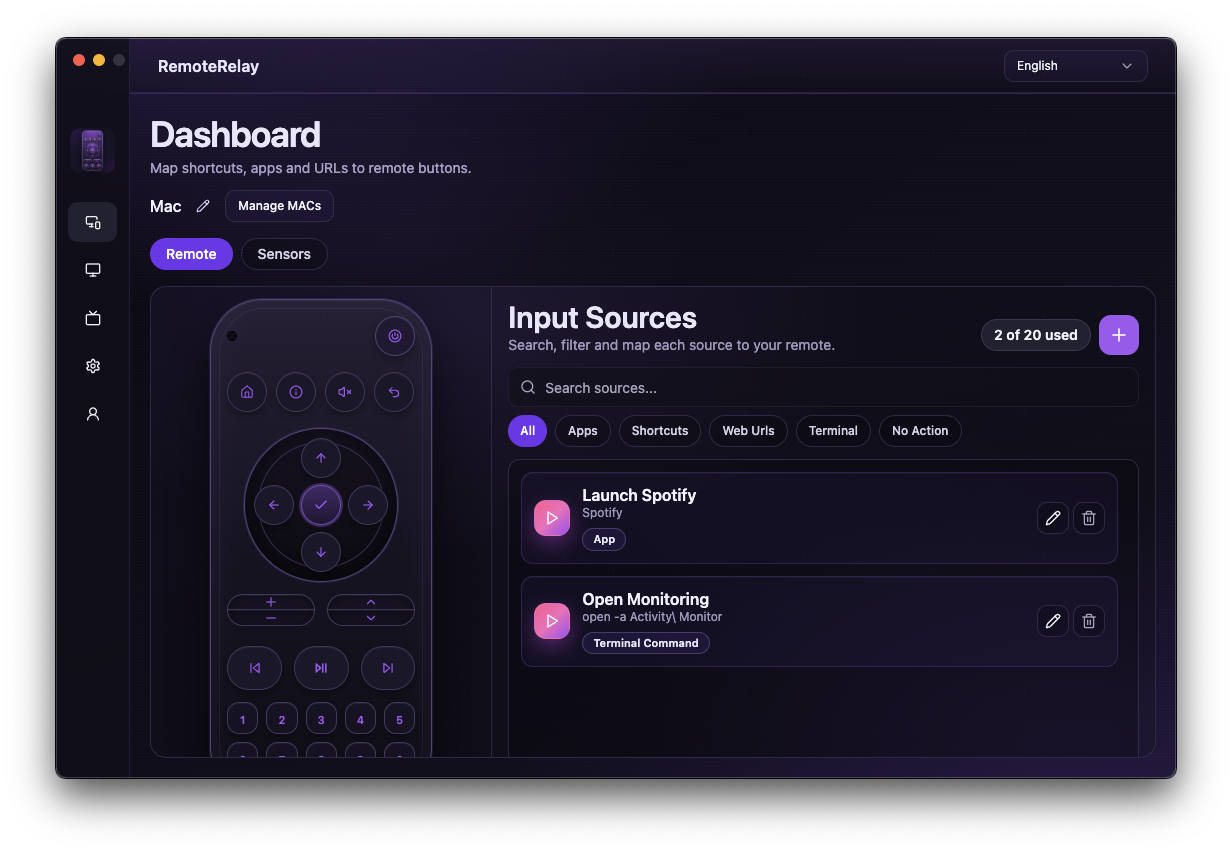
What you need
- The MAC of the adapter connected to your test network.
- Access to the computer's network and power settings; labels vary by manufacturer.
- An active WoL sender, such as a compatible Echo or your Home Assistant host.
Getting started
- Keep the computer connected to power and check that its network adapter remains available in your intended power state.
- Review WoL in firmware and the operating system's network-wake settings. Record the original settings before changing them.
- Test a WoL packet on the same network with the correct MAC, first from sleep and then from shutdown if the hardware supports it.
- If local wake works, check the linked account, name and device discovered by Alexa. Distinguish old devices sharing the same name before repeating the command.
- Finally test your routine or access away from home. Keep the local sender available: the PC's agent cannot wake itself by sending its own packet.
What to check for each symptom
Change one condition at a time and record the result to distinguish hardware/network issues from integration settings.
| Symptom | Next check |
|---|---|
| Does not wake on the local network | MAC and interface, WoL support, adapter power and firmware/system settings. |
| Wakes from sleep but not from shutdown | Hardware support for shutdown wake and power configuration. On Windows, check the manufacturer's fast-startup guidance; on Mac, do not assume cold boot. |
| Works locally but Alexa cannot find it | Skill account, discovery and endpoint name. Check for an old device with the same name. |
| Alexa accepts the command but the PC stays off | Compatible Echo/sender, computer network and registered MAC. Command acceptance does not prove packet delivery. |
| Works at home but fails away | Your ecosystem's remote path and availability of the sender at home. Test from another network. |
| Wakes but does not open the app | Wait for the agent and user session. This is a control step after WoL; test the source while the computer is already running. |
Compatibility and limits
Wake-on-LAN cannot work without power and does not guarantee wake over Wi-Fi or from every power state. Router port forwarding is not needed to diagnose a local test. Follow your manufacturer's documentation for firmware and power changes.
Test the action on your computer before including it in a routine. Available plans and features are detailed in the portal.
Common questions
Will reinstalling RemoteRelay fix Wake-on-LAN?
Not necessarily. If the hardware will not wake in a local test, check power, MAC, network and firmware before reinstalling or linking accounts again.
Does working remote shutdown prove wake works?
No. Shutdown uses a running agent; wake depends on hardware and an external sender that can transmit a WoL packet while the computer is stopped.
Put your computer to work with your home
Choose your integration and verify one action. Then add the apps, sensors and cameras you need.