 RemoteRelay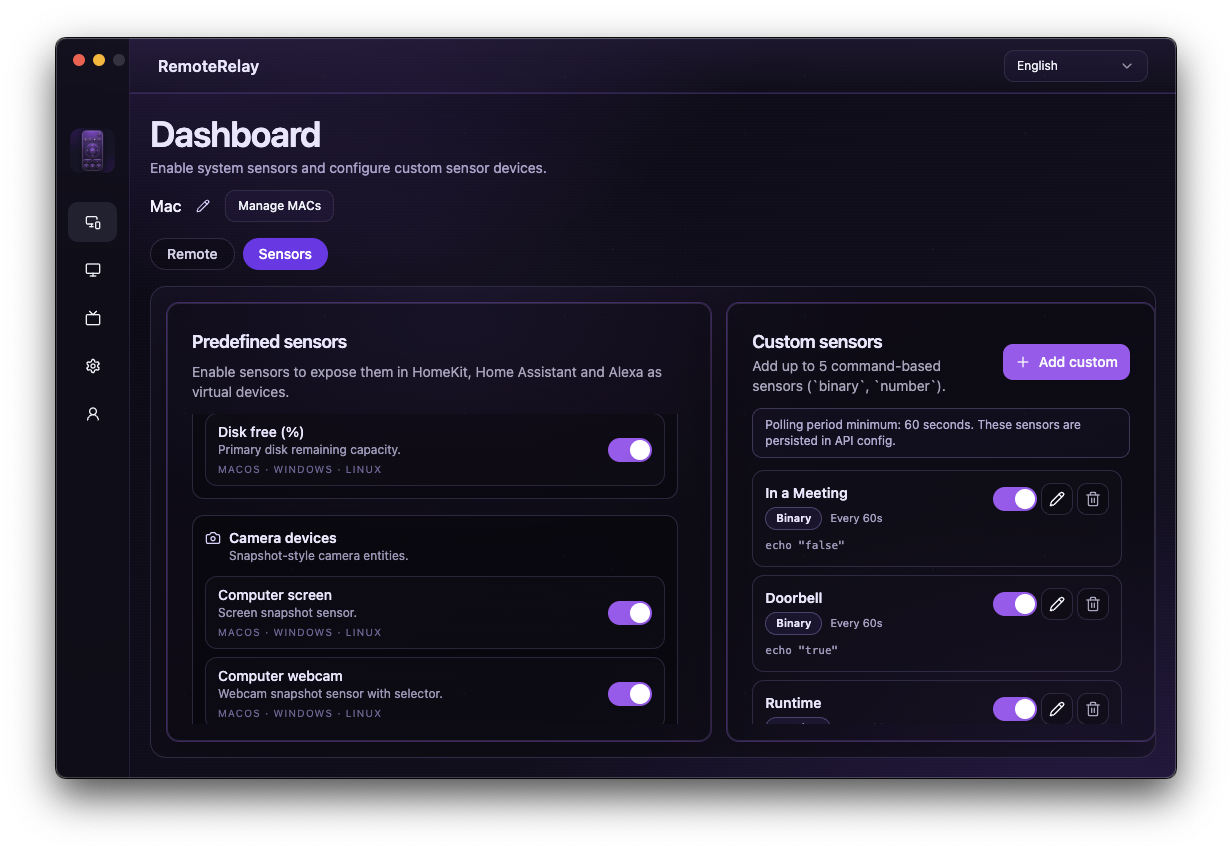
What you need
- A running agent and configured destination integration.
- A metric supported by your computer platform: CPU, GPU, RAM or free disk space.
- For custom sensors, your own command returning the expected data type.
Getting started
- Check values in RemoteRelay and select useful sensors.
- Add the corresponding entities to your ecosystem dashboard.
- For a disk-space alert, configure a threshold and duration in your automation engine.
- Check how an offline computer is represented so you do not mistake a stale value for a current reading.
Compatibility and limits
GPU and other metrics depend on operating system and hardware. CPU percentage does not measure electricity consumption or identify a particular application. Custom sensors need user configuration and testing.
Test the action on your computer before including it in a routine. Available plans and features are detailed in the portal.
Put your computer to work with your home
Choose your integration and verify one action. Then add the apps, sensors and cameras you need.