 RemoteRelay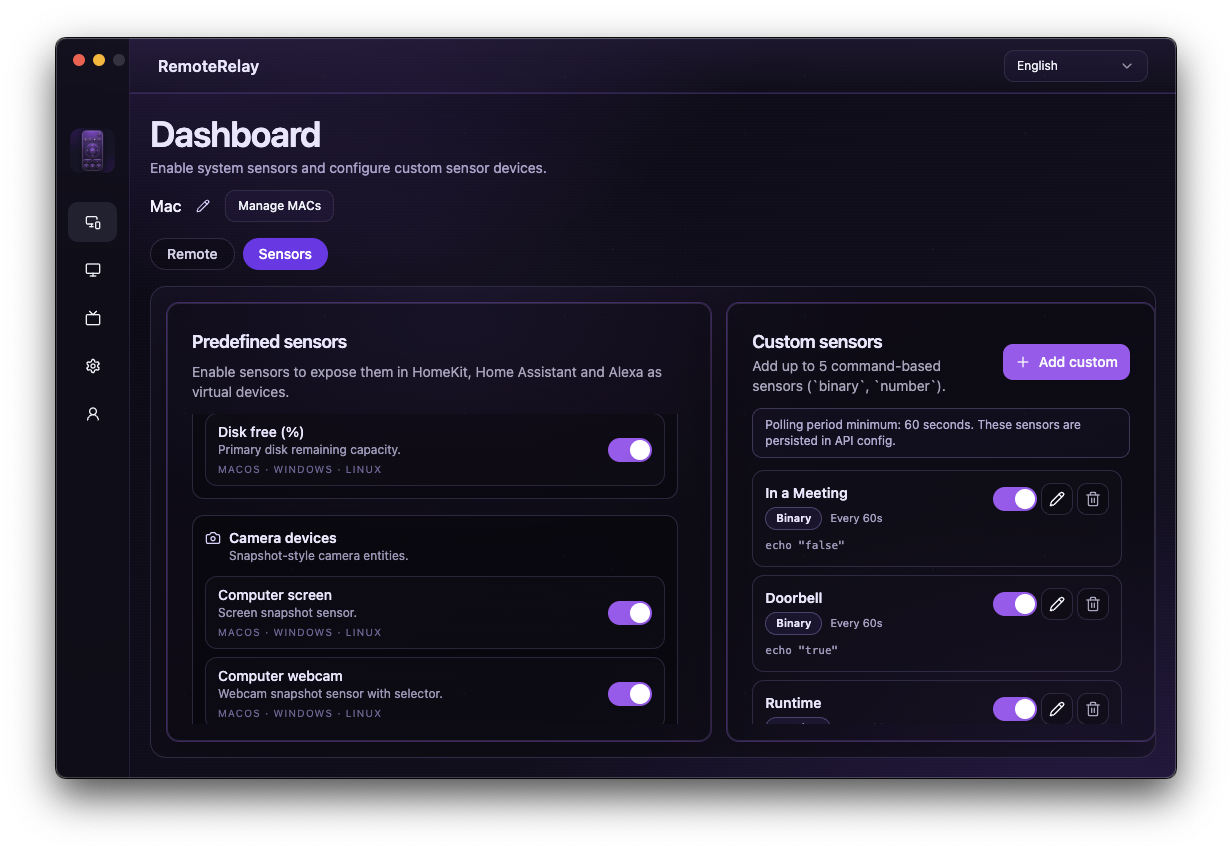
What you need
- A configured integration with individually tested actions.
- Your ecosystem's automation engine, such as Alexa routines or Home Assistant automations; available conditions vary.
- An always-on sender when a scene starts by waking the PC.
Getting started
- For a work scene, combine wake with a condition that waits for the agent to become available.
- Then select a source that opens your configured apps. Do not assume the PC is ready immediately after requesting wake.
- For a disk-space alert, select the available sensor and configure the threshold and notification in your platform.
- Test offline behavior and limit retries to avoid repeating unnecessary actions.
Compatibility and limits
These are recipes to configure, not enabled-by-default automations. Detecting meetings, electricity consumption or render completion requires additional signals or scripts; a CPU sensor does not establish those facts automatically.
Test the action on your computer before including it in a routine. Available plans and features are detailed in the portal.
Put your computer to work with your home
Choose your integration and verify one action. Then add the apps, sensors and cameras you need.