 RemoteRelay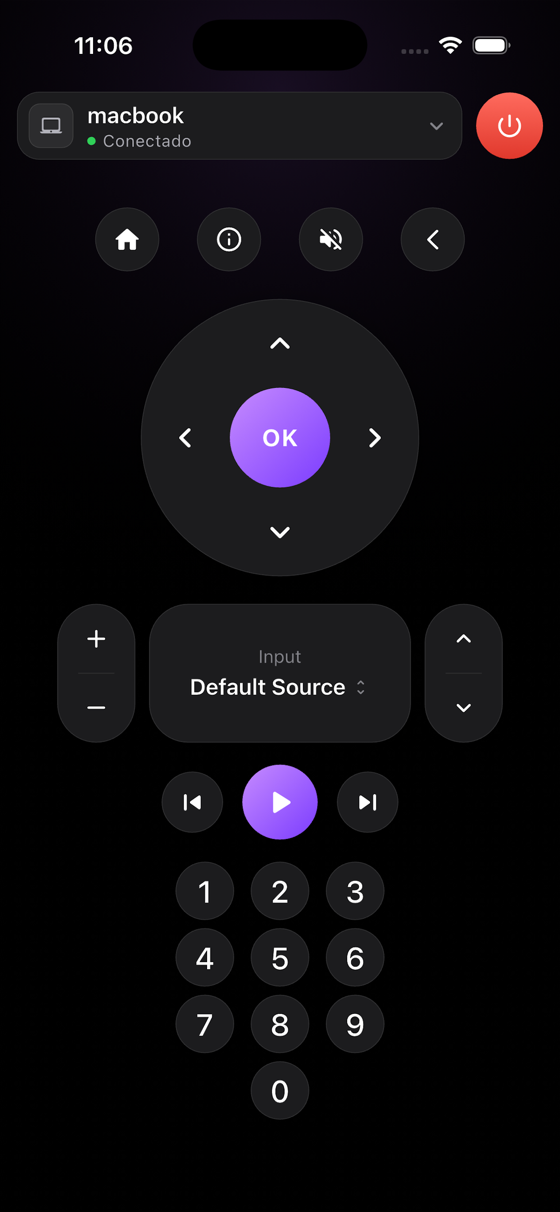
What you need
- An active Pro or Ultimate subscription to request beta access.
- A computer with RemoteRelay and the actions you want to control configured.
- For Alexa or Home Assistant, its phone app and configured integration.
Getting started
- Choose between requesting Companion and using your existing phone ecosystem.
- For Companion, consult the official beta list and follow access instructions when invited.
- For Home Assistant, pair the computer and open its dashboard in the Android app; test power, sources and volume.
- For Alexa, link the skill, discover the computer and use available app controls. Verify results before building a routine.
Choose an Android control path
Companion is RemoteRelay's own remote. Alexa and Home Assistant are separate paths: their apps display devices and entities published by RemoteRelay with their own controls and permissions.
You do not need Matter for the dedicated Home Assistant integration or Alexa skill. Google Home through Matter remains experimental; first check that it exposes your required action.
Compatibility and limits
Status reviewed September 17, 2026: general Google Play availability and a release date are not announced here. Beta access does not imply all iPhone features are available. Access outside your network depends on the integration.
Test the action on your computer before including it in a routine. Available plans and features are detailed in the portal.
Common questions
Can I download RemoteRelay for Android now?
Consult the official beta list. Access is reserved for active Pro and Ultimate subscribers and is not necessarily granted when you join. No general Google Play download is advertised here.
Can I use Android without the Companion beta?
Use the Alexa or Home Assistant apps if you have configured their RemoteRelay integrations. Their controls and requirements differ from Companion.
Put your computer to work with your home
Choose your integration and verify one action. Then add the apps, sensors and cameras you need.