 RemoteRelay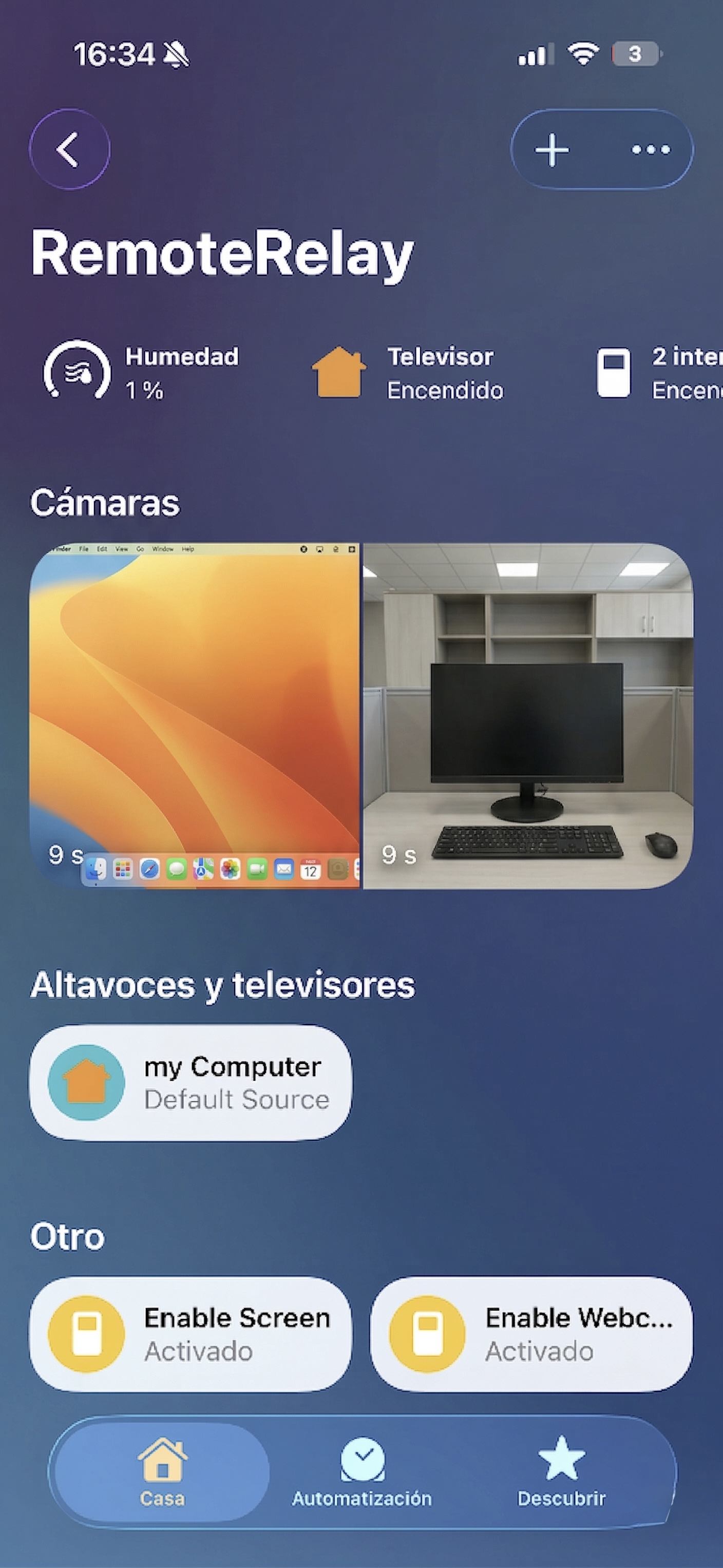
What you need
- A compatible computer with RemoteRelay installed for actions that require the desktop agent.
- Choose where to control it: Alexa, Apple Home or Home Assistant.
- Check the required feature and plan; waking a computer has different requirements from controlling one that is running.
Getting started
- Choose a first task: wake your PC, use it as a media computer or include it in an automation.
- Set up the integration in RemoteRelay and add the computer in your ecosystem's app.
- Test a simple action before creating input sources, commands or scenes. Start with the guide for your integration.
- Extend the setup with sensors or webcam and screen camera sources where your integration supports them.
Compatibility and limits
Features vary by ecosystem. A powered-off computer needs an external Wake-on-LAN sender; its own agent cannot wake it. Matter is an experimental path.
Test the action on your computer before including it in a routine. Available plans and features are detailed in the portal.
Put your computer to work with your home
Choose your integration and verify one action. Then add the apps, sensors and cameras you need.