 RemoteRelay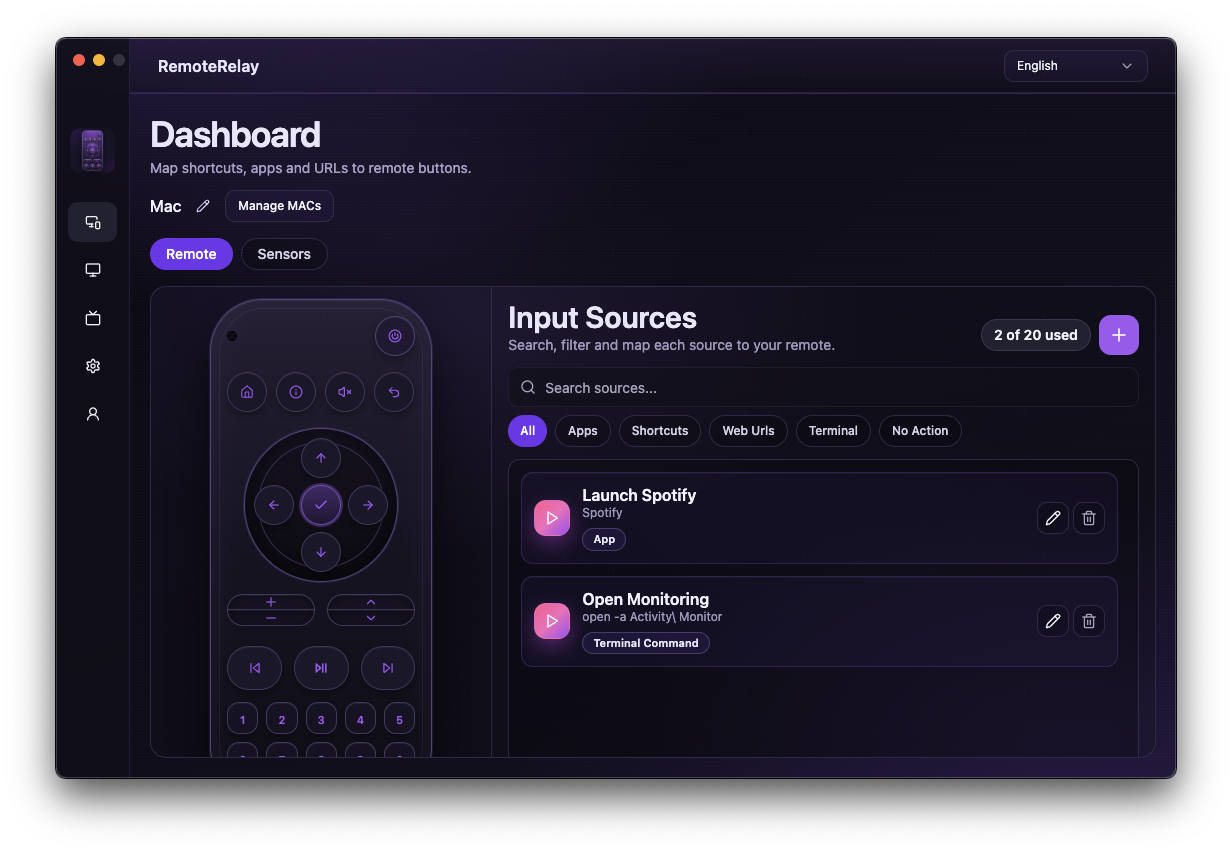
What you need
- RemoteRelay installed and a plan that allows your chosen actions.
- The application, shortcut or command available on the target computer.
- A user session and suitable permissions when the action opens a UI or simulates input.
Getting started
- Create a source or binding and choose a target type: app, URL, shortcut or command.
- Test it inside RemoteRelay before exposing it to your ecosystem.
- Choose a clear name so you can select that source from the remote or integration.
- Check each binding in context: the same key can behave differently depending on the active source.
Compatibility and limits
Graphical applications may need a signed-in session even when the service runs before login. Commands are configured by the computer's owner, not arbitrary instructions any assistant can execute. Source limits vary by plan.
Test the action on your computer before including it in a routine. Available plans and features are detailed in the portal.
Put your computer to work with your home
Choose your integration and verify one action. Then add the apps, sensors and cameras you need.