 RemoteRelay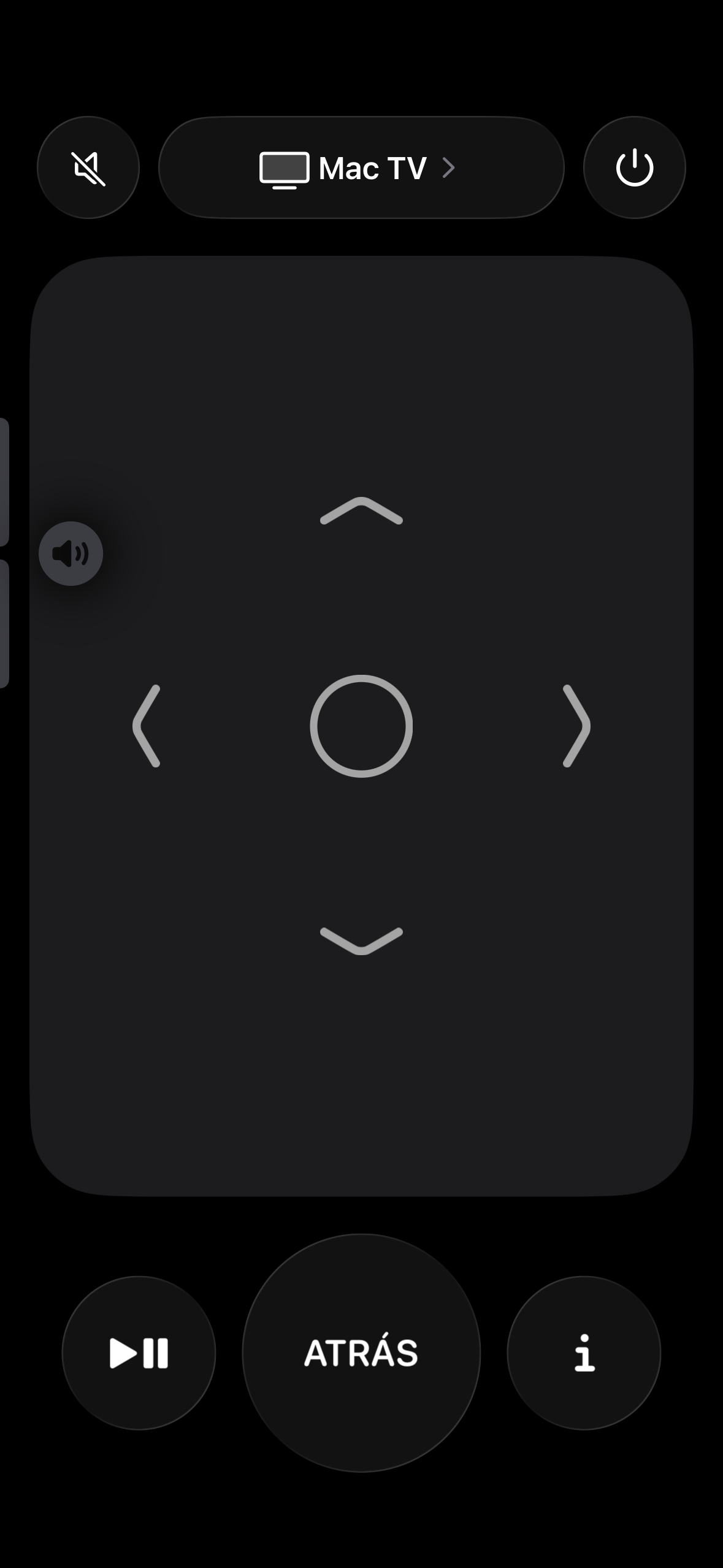
What you need
- The RemoteRelay agent running on your computer and a plan with remote controls.
- A compatible remote path: Companion, Apple Home or Home Assistant, depending on your setup.
- A player that responds to media controls or the shortcuts you configure.
Getting started
- Test volume, mute and playback with the app you normally use.
- Add your applications as input sources, such as your player or game launcher.
- Customize keys when the defaults do not fit; check the active window and system permissions.
- Test the full flow from the sofa: choose a source, navigate, play and stop.
Compatibility and limits
Media controls are not native integrations with every service. Opening Steam or a player does not stream games or video to your phone. Check how each app responds.
Test the action on your computer before including it in a routine. Available plans and features are detailed in the portal.
Put your computer to work with your home
Choose your integration and verify one action. Then add the apps, sensors and cameras you need.