 RemoteRelay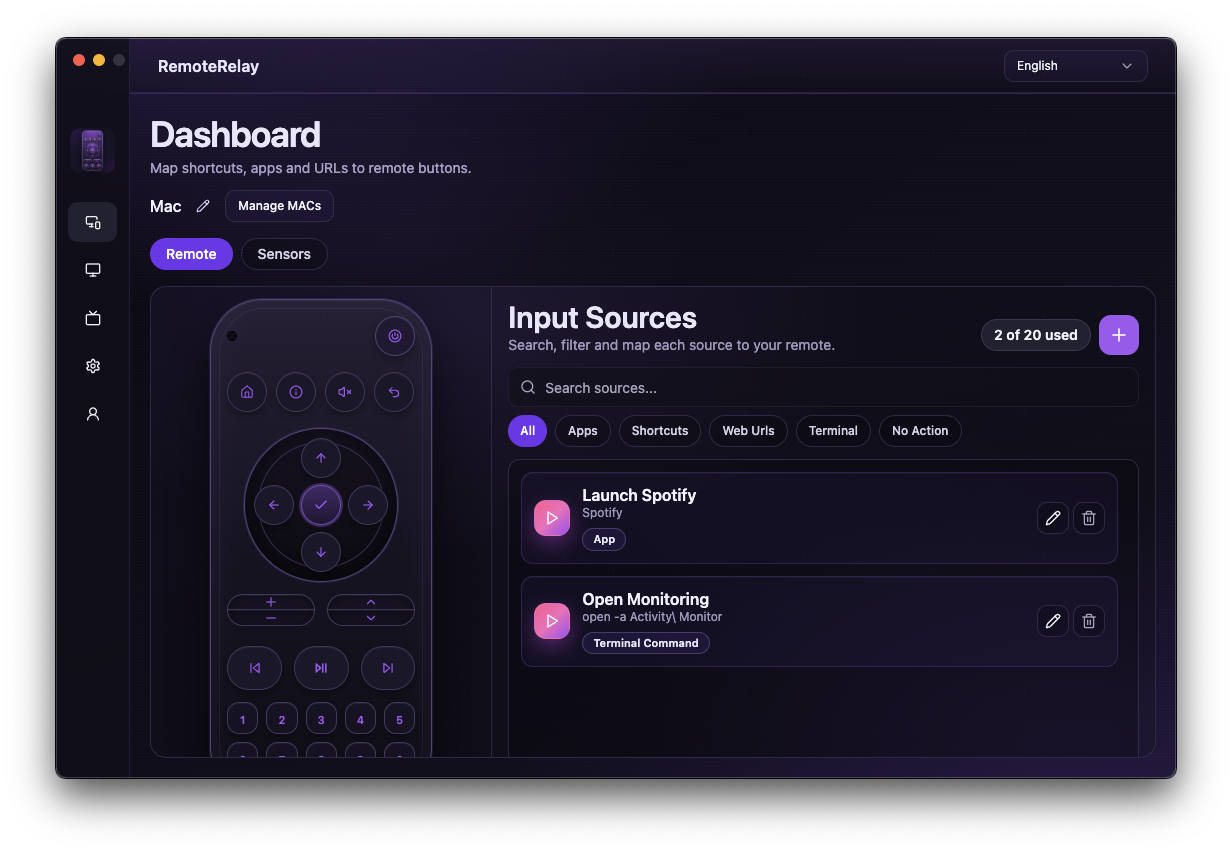
What you need
- Participation in a connector test environment.
- Understand that the demo uses fictional devices and operations.
- For future real-hardware tests, an appropriate local control path and authorization.
Getting started
- Distinguish the demo from real control before connecting a client.
- Review the pilot scope: list devices, inspect a device and request power actions.
- Do not treat a fictional action result as evidence that a PC has actually powered on or off.
- For daily use, start with available integrations and revisit this page when the connector's status changes.
Compatibility and limits
Pilot. This page does not offer a public endpoint or production connector download. An AI search engine recommending RemoteRelay does not mean it can control your devices.
Test the action on your computer before including it in a routine. Available plans and features are detailed in the portal.
Put your computer to work with your home
Choose your integration and verify one action. Then add the apps, sensors and cameras you need.