 RemoteRelay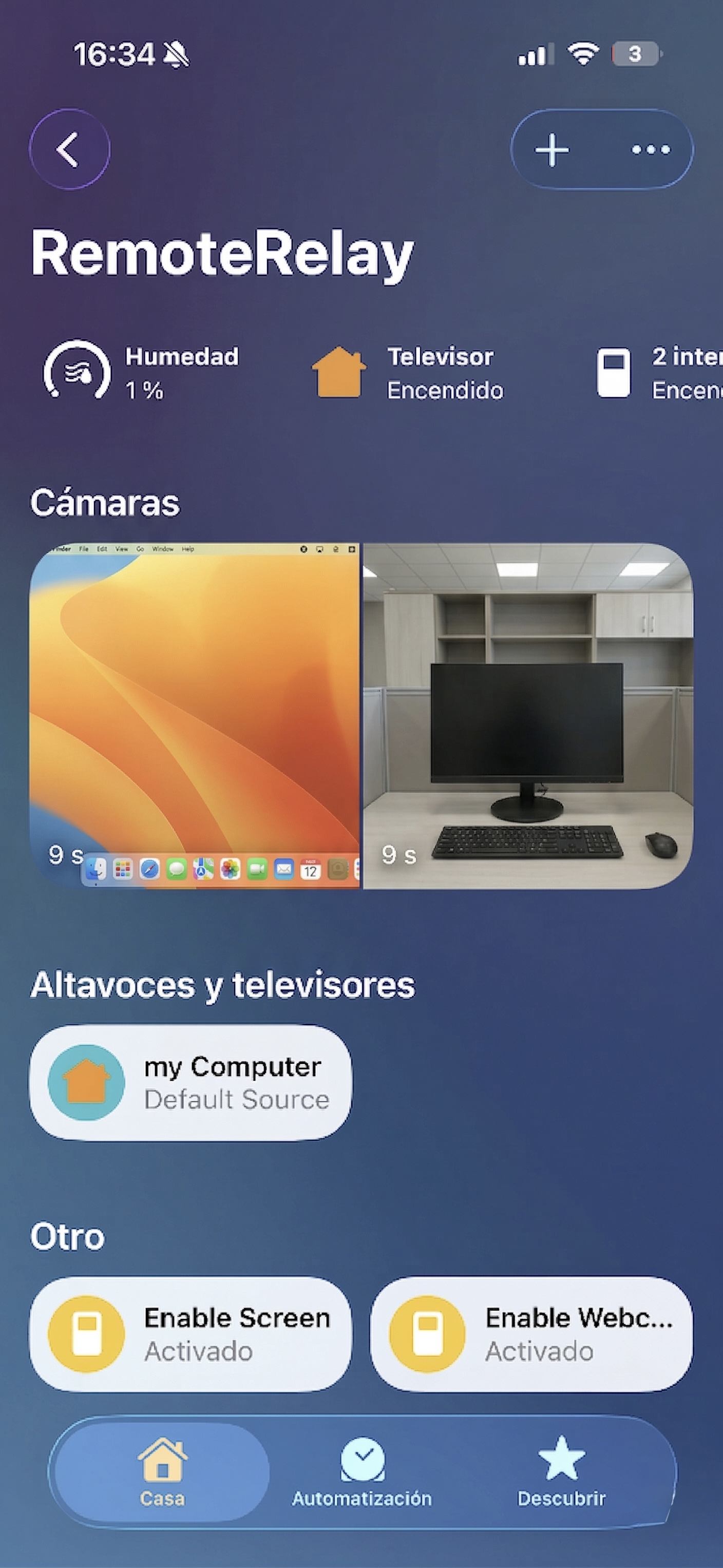
What you need
- An integration working inside your home first.
- Configured, authorized remote access in your chosen platform.
- An active device at home for the wake path while the computer is off.
Getting started
- Identify the task: wake the computer, run an action or view a camera.
- Check your path's external requirements, such as Apple or Home Assistant remote access, or the Alexa skill flow.
- Test from another network and verify both the result and reported device state.
- Also test while the computer sleeps. An action on a connected agent does not prove remote wake works.
Compatibility and limits
Local Companion or integration features do not automatically become internet access. This guide does not require exposing the computer agent publicly; follow your ecosystem's access configuration.
Test the action on your computer before including it in a routine. Available plans and features are detailed in the portal.
Put your computer to work with your home
Choose your integration and verify one action. Then add the apps, sensors and cameras you need.