 RemoteRelay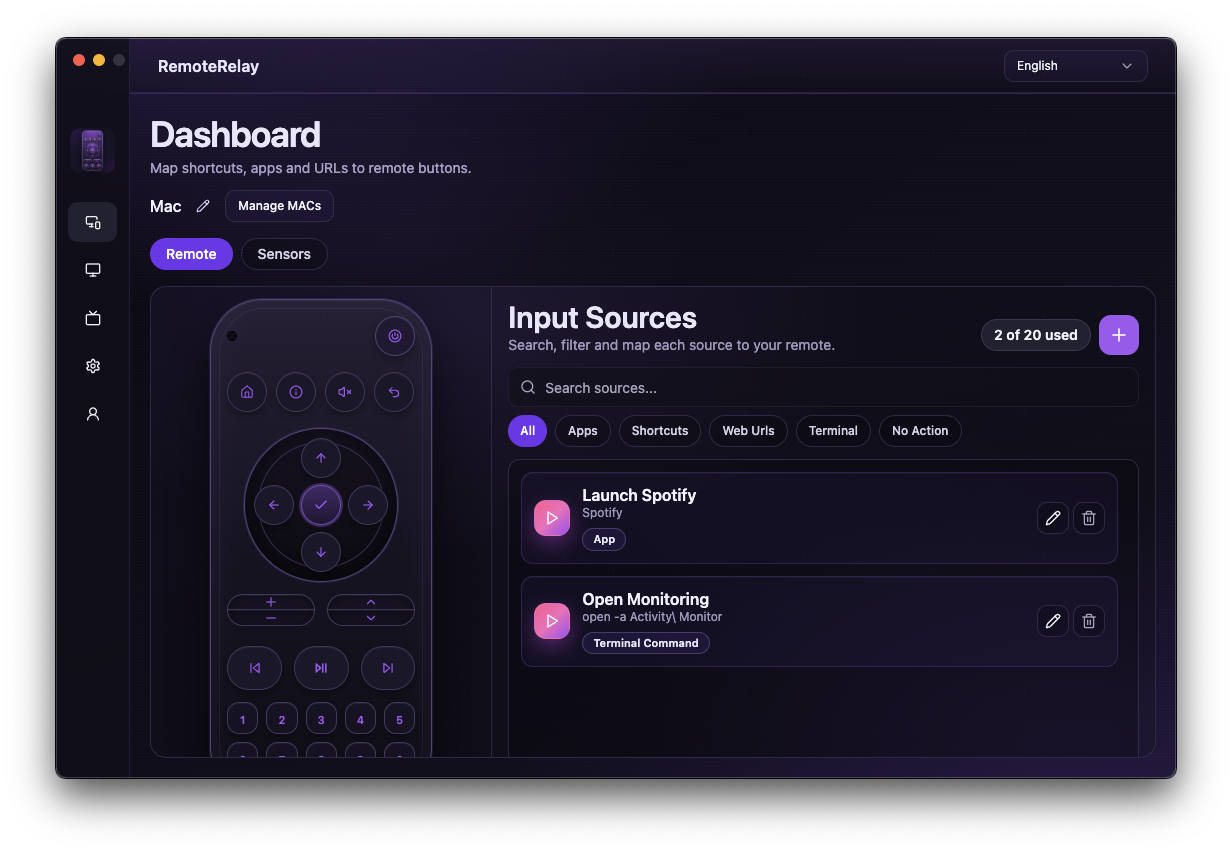
What you need
- Wake-on-LAN supported and enabled in firmware, the network adapter and operating system.
- The correct network interface MAC address and a connection that can receive the packet.
- A sender, such as a compatible Echo for the Alexa path or the Home Assistant host.
Getting started
- Test wake on the local network first, from the power state you intend to use.
- Register the MAC in RemoteRelay and configure your chosen integration.
- Put the computer to sleep or shut it down according to the tested scenario, then send wake from the selected sender.
- If it fails, check adapter power, firmware and network before pairing again. Switching interfaces may require updating the MAC.
Compatibility and limits
Wake cannot work without power and is not guaranteed over Wi-Fi or from every power state. A stopped agent cannot send its own wake packet. See pricing for the free plan and additional features.
Test the action on your computer before including it in a routine. Available plans and features are detailed in the portal.
Put your computer to work with your home
Choose your integration and verify one action. Then add the apps, sensors and cameras you need.