 RemoteRelay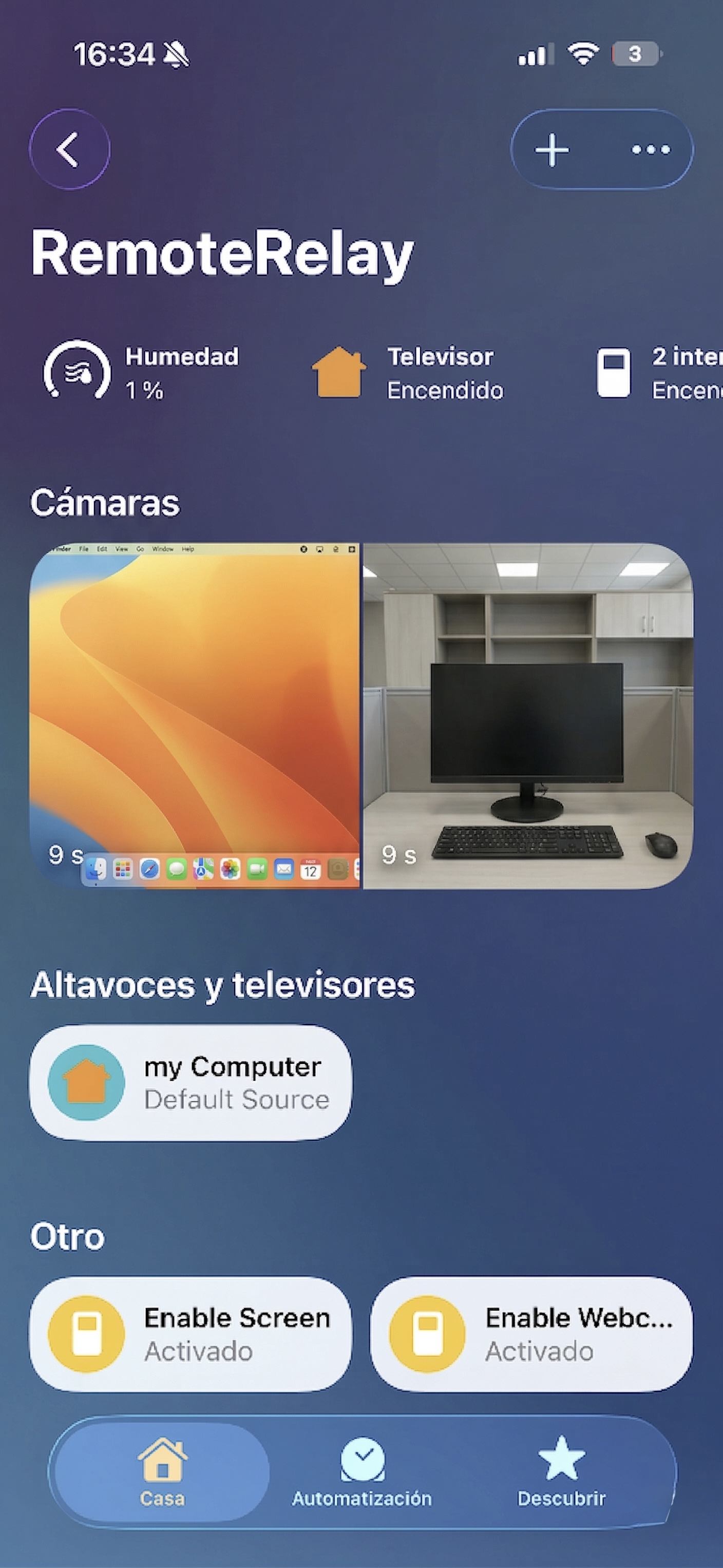
What you need
- The RemoteRelay download for Intel or Apple Silicon.
- Review the network-wake options available in your macOS version.
- A Wake-on-LAN sender outside the Mac when its agent is not running.
Getting started
- Install the right download and test controls while the Mac is on.
- Grant input or capture permissions for the features you choose to use.
- Test waking from sleep with your actual network setup. Record the model, connection and power state.
- Use only a verified scenario when configuring voice routines or iPhone access.
Compatibility and limits
RemoteRelay does not guarantee cold boot on every Mac. Do not extrapolate Ethernet results to Wi-Fi or across models. A powered-off Mac cannot keep its own agent-hosted accessory available.
Test the action on your computer before including it in a routine. Available plans and features are detailed in the portal.
Put your computer to work with your home
Choose your integration and verify one action. Then add the apps, sensors and cameras you need.