 RemoteRelay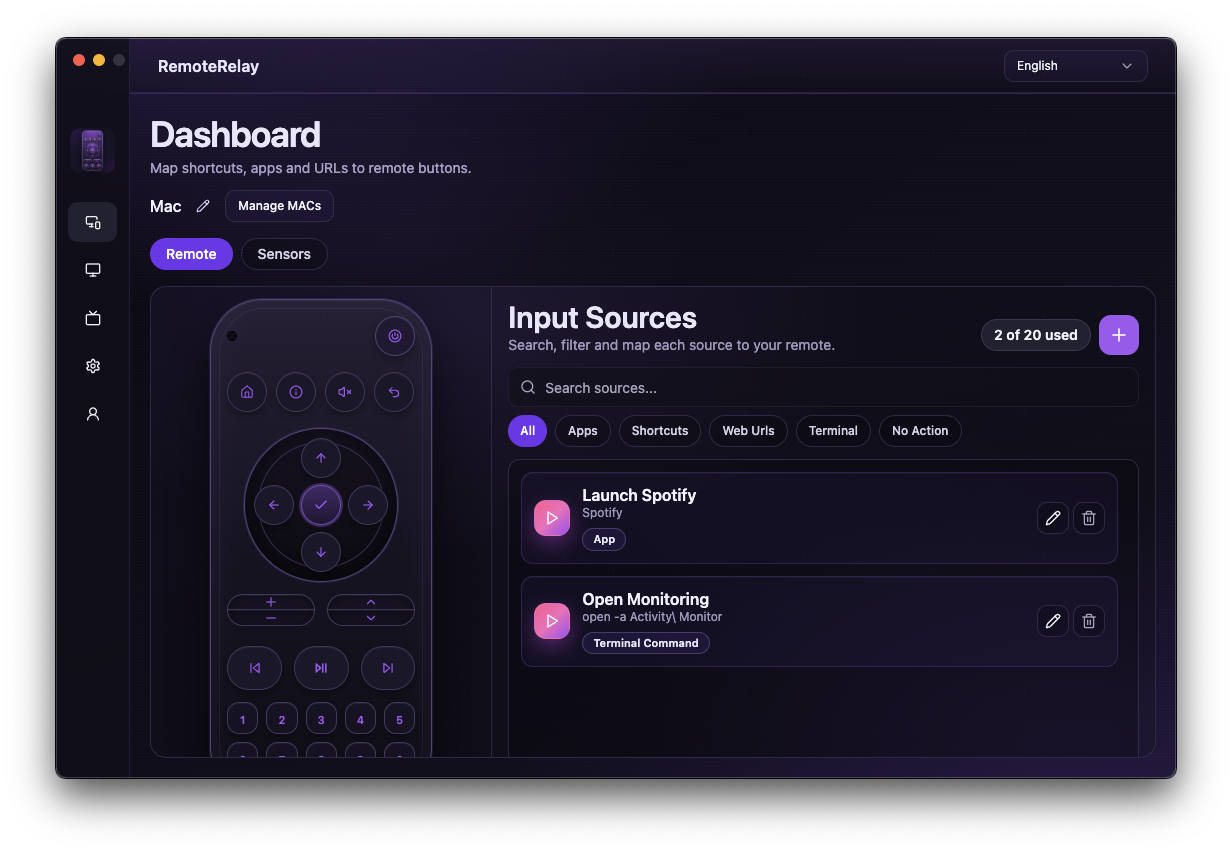
What you need
- Working Alexa Wake-on-LAN with a compatible sender.
- A Steam source tested in RemoteRelay with the user session available.
- Lights integrated with Alexa and routine actions available for your devices.
Getting started
- Test PC wake, the Steam source and lights separately.
- Create an Alexa routine with the voice phrase gaming mode and add PC power-on.
- Add a delay based on observed startup time; a fixed delay does not verify agent readiness. Start with the PC already on if its session needs manual login.
- Add Steam input selection using an Alexa control or custom action you have tested. Configure the lights in the same routine.
- Say ‘Alexa, gaming mode’ and verify every step. If Steam fails to open, retry with the PC already running to separate boot issues from launch issues.
Monitor behavior and PC readiness
Many monitors wake when a signal arrives, but test your hardware. A smart plug belongs to Alexa's device controls and does not prove that the PC has finished booting.
For actual availability checks rather than a fixed delay, use an automation engine that can inspect entity availability, such as Home Assistant. A routine can switch on the lights even if Steam fails; verify the complete result.
Compatibility and limits
This is a recipe you configure, not a built-in routine or voice-recognition guarantee. It does not automate system login or bypass passwords. A monitor is not a separate RemoteRelay-controlled device.
Test the action on your computer before including it in a routine. Available plans and features are detailed in the portal.
Common questions
Does RemoteRelay include a ready-made gaming mode?
No. Define the Steam source and build your Alexa routine. Substitute another application after testing it.
Can I create a work mode too?
Yes. Use sources or a script to open your tools and test each action before combining it with lights. Account for the user session and boot time.
Put your computer to work with your home
Choose your integration and verify one action. Then add the apps, sensors and cameras you need.