 RemoteRelay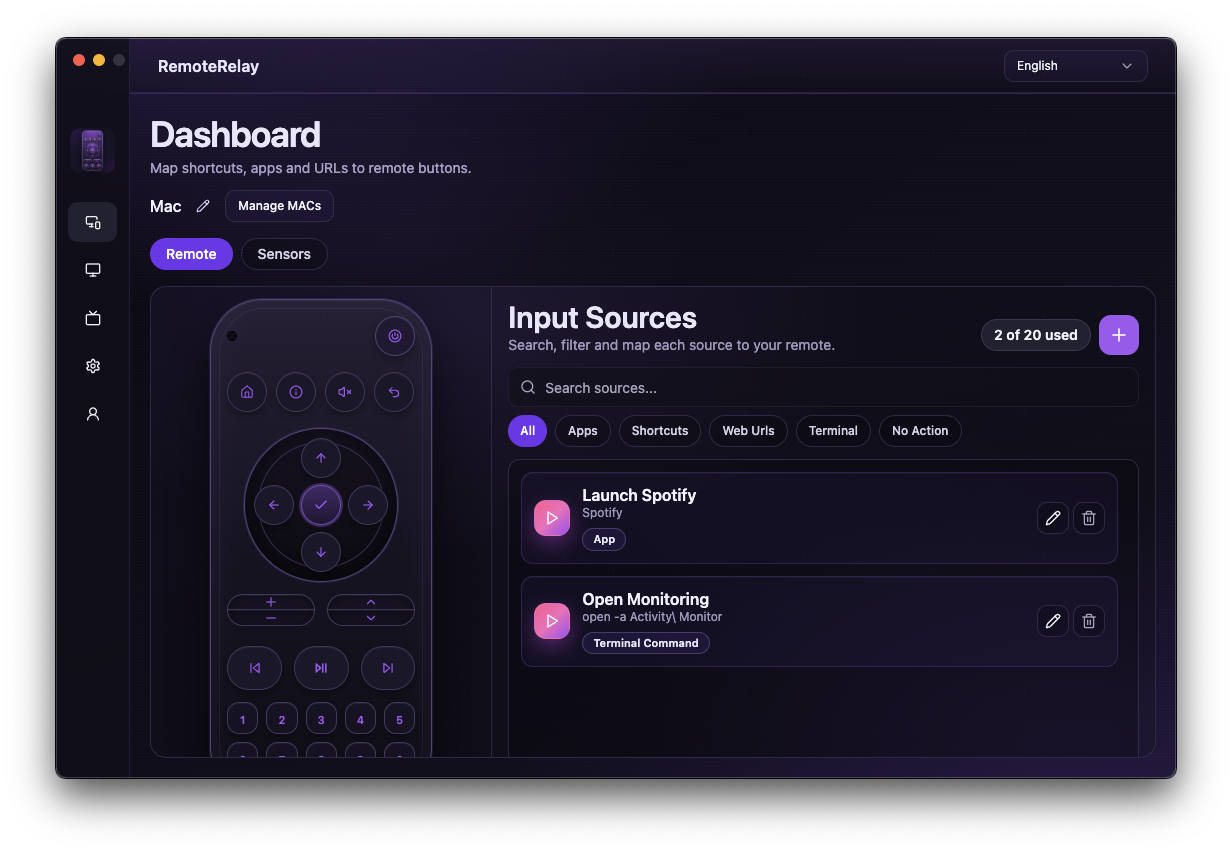
What you need
- A powered PC with Wake-on-LAN enabled in firmware and its network adapter.
- The connected interface's MAC and a compatible Echo on its network.
- A RemoteRelay account linked to the skill and a registered computer.
Getting started
- Test Wake-on-LAN locally from your intended power state: sleep or supported shutdown.
- Register the correct adapter's MAC in RemoteRelay and assign a recognizable name, such as Living room PC.
- Link the skill to the same account and discover devices. Distinguish power controls from that PC's sensors or cameras.
- Test power-on in the Alexa app, then a voice command using the discovered name, such as ‘Alexa, turn on Living room PC’.
- Check that it actually wakes. If a routine opens an app next, wait for boot and for RemoteRelay to become available.
Enable Wake-on-LAN and find your Windows PC MAC address
Keep the computer plugged into power and start with wired Ethernet. Enable Wake-on-LAN in BIOS or UEFI; the setting name depends on the motherboard. In Windows Device Manager, check the Ethernet adapter properties for Wake on Magic Packet and the available power-management wake settings. Consult the PC or adapter manufacturer if these options are absent.
Run ipconfig /all in a Windows terminal and find the Physical Address of the connected Ethernet adapter. Register that address in RemoteRelay, not the Wi-Fi or a virtual adapter address. Test local Wake-on-LAN from sleep first, then separately from shutdown if needed. A successful sleep test does not establish shutdown support.
Connect the RemoteRelay Alexa skill
Sign in to RemoteRelay and register the computer with its MAC address and a recognizable name. In the Alexa app, enable the RemoteRelay skill, link the same RemoteRelay account and discover devices. Use RemoteRelay, rather than the retired WOLSkill name.
For a computer named Living room PC, try ‘Alexa, turn on Living room PC’. This is a device-name example, not a fixed invocation phrase. Test the power control in the Alexa app too. A compatible Echo sends the Wake-on-LAN packet on the local network; the powered-off PC does not need to run the RemoteRelay desktop app.
Alexa responds but the PC stays off
Repeat the local Wake-on-LAN test first. If it also fails, check adapter power, MAC and firmware. If local wake works, check the Echo sender, linked account and old devices sharing a name.
Record results when switching between sleep and shutdown: a computer may support wake from one but not the other. Note the interface, power state and sender of the successful test.
Compatibility and limits
The phrase is an example tied to your configured name and Alexa language. Wake-on-LAN requires power and does not guarantee wake over Wi-Fi or from every power state. On Mac distinguish sleep wake from cold boot.
Test the action on your computer before including it in a routine. Available plans and features are detailed in the portal.
Common questions
Can I turn on my PC with Alexa for free?
Yes. RemoteRelay includes basic Wake-on-LAN for one computer on the free plan. You still need compatible hardware and an Echo sender. Shutdown, apps and other controls have separate plan and agent requirements.
Can Alexa turn on a completely shut-down computer?
Only if the PC and Ethernet adapter support Wake-on-LAN from that shutdown state and remain powered. Test sleep and shutdown separately. Alexa cannot wake an unplugged computer.
Do I leave RemoteRelay open to wake the PC?
A powered-off computer does not run its agent. Wake uses Wake-on-LAN and a compatible sender that remains active; opening apps and running subsequent actions requires the agent.
Can Alexa wake my PC over Wi-Fi?
Only when your hardware and configuration support that wake path. Working Ethernet Wake-on-LAN does not establish Wi-Fi support.
Put your computer to work with your home
Choose your integration and verify one action. Then add the apps, sensors and cameras you need.